
How to block Instagram Reels on iPhone while keeping DMs
Understand the difference between limiting all of Instagram and using a filtered Instagram experience that keeps messages available.
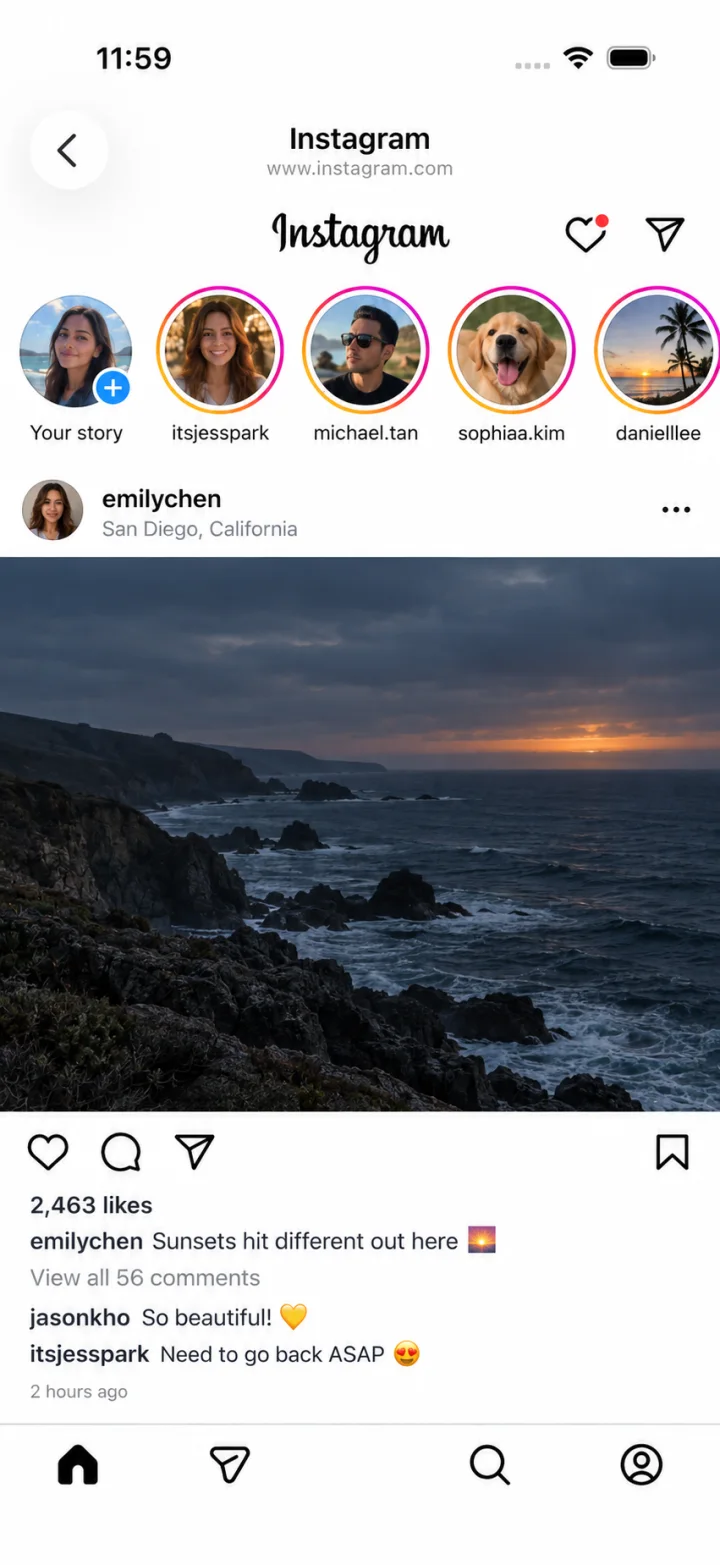
For a filtered experience with ScrollFix, open Instagram inside ScrollFix and enable its Reels filter. You can use messaging there without the Reels tab. This changes the Instagram pages displayed inside ScrollFix; it does not alter the original Instagram app.
First decide what you want to keep
“Block Instagram” and “hide Reels” describe different goals. If you want a break from everything, an app limit may be enough. If you need to reply to a friend or check a post during that time, blocking the whole service may get in the way.
Write down the features you need: messages, profiles, posting, or friends’ posts. Then choose an approach that preserves them in the place where you will use Instagram. Do not assume that a setting in one app changes every way of accessing your account.
Use Instagram through ScrollFix
- Install ScrollFix and review its subscription terms.
- Open Instagram within ScrollFix and sign in on Instagram’s own page.
- Enable the Reels filter in ScrollFix’s Instagram controls.
- Open your messages and confirm the workflow you need is available.
- Use ScrollFix as your starting point when you want filtered access.
What this does not mean
The original Instagram app remains separate. Opening it can still expose you to its usual feeds. This is also not an account-wide restriction across other devices.
A Reel sent directly by a friend is a different entry point from an endless Reels feed. ScrollFix’s listing describes allowing a directly shared Reel to be viewed; do not treat the filter as a promise that every short video is inaccessible. Check the current behavior against your needs.
Can I keep DMs and remove Explore too?
Messages are among the features retained in the filtered experience. ScrollFix also offers controls for other supported elements, including Explore and suggested posts. Start with the smallest set of filters that addresses your distraction, rather than hiding features you still need.
If messaging, uploading, or another important feature behaves differently from the original app, check the troubleshooting steps and contact support. Do not send passwords or private message contents.
When a different approach fits better
If you want scheduled time away from all of Instagram, consider whole-app limits. If you only need an occasional check-in, a planned browser visit may be sufficient. A filtered interface is useful when the distracting feed and the useful task otherwise sit next to each other. See the Screen Time comparison before deciding.
Product details: ScrollFix’s App Store listing, Privacy Policy, and Terms of Use. Platform features may change. This guide is published by ScrollFix, which sells a subscription.